
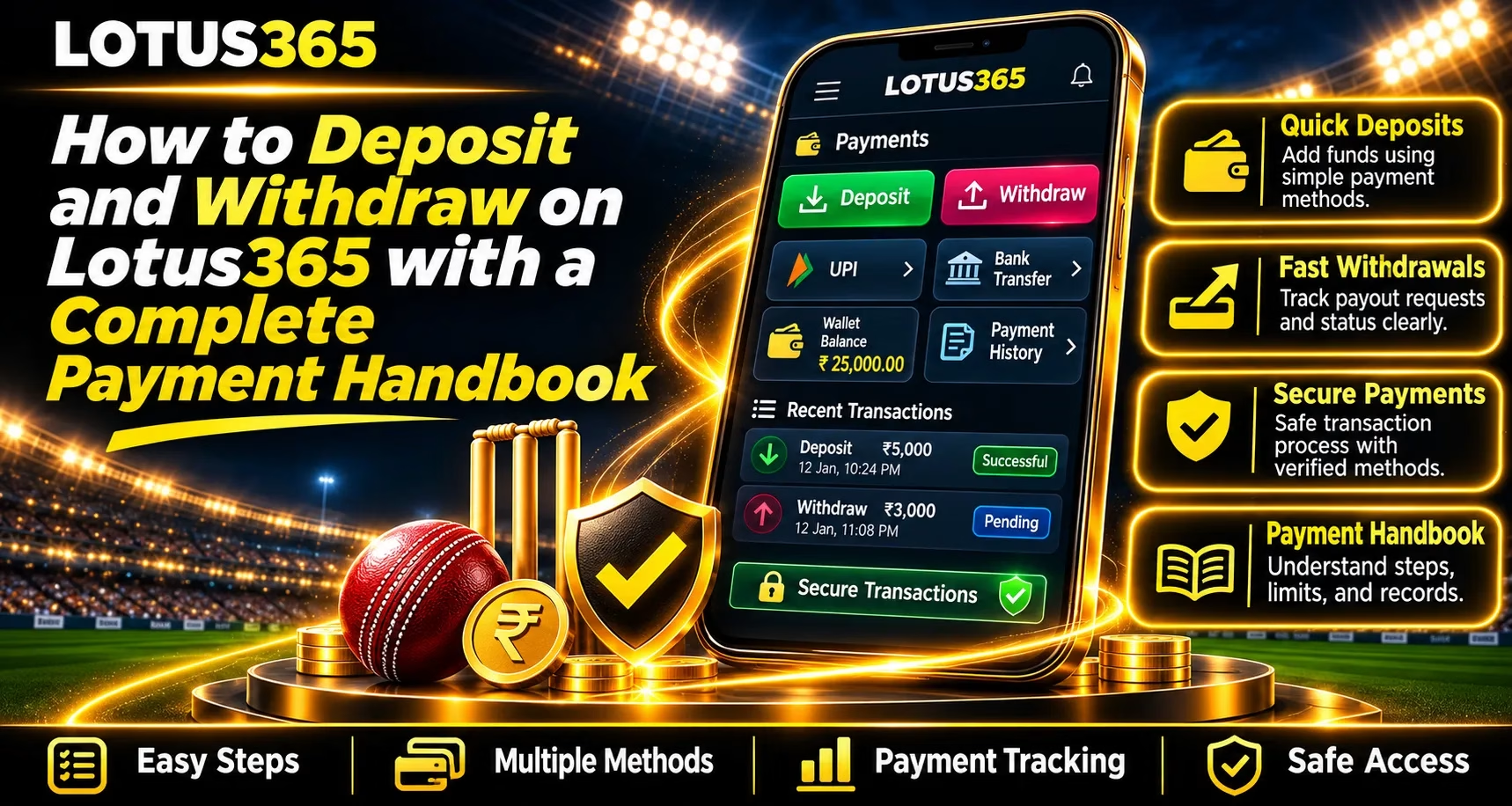
Managing deposits and withdrawals is an important part of understanding online sports and gaming accounts. Users should know how payment methods operate, what verification requirements apply, and how to check transaction records. Lotus365 provides information about account wallets, supported payment channels, and transaction management. This handbook explains the general payment process, important security practices, and common transaction concerns for eligible users.
Understanding Deposit and Withdrawal Methods
The payment system allows eligible account holders to add funds and request withdrawals through supported payment channels. Available methods can vary depending on account eligibility, verification status, and payment provider availability.
Common Payment Options
Users may find the following options:
- UPI Payments: Transactions through supported UPI applications.
- Bank Transfers: Payments using verified banking information.
- Digital Wallets: Electronic payment services where available.
- Other Payment Methods: Additional options displayed in the account.
Deposit and withdrawal methods may differ. Users should always check the available options before proceeding.
How to Deposit Money Step by Step
Deposits add funds to an account balance after successful processing. The following steps explain the general procedure.
Step 1: Access Your Account
Visit the verified website and sign in using registered credentials.
Step 2: Open the Payment Section
Find the Wallet, Cashier, or Deposit option in the account dashboard.
Step 3: Select a Payment Method
Choose an available option and review its transaction limits.
Step 4: Enter the Deposit Amount
Enter the required amount and carefully verify the displayed payment details.
Step 5: Confirm the Transaction
Complete the payment through the authorised payment interface. Save the transaction reference for future tracking.
How to Withdraw Funds from Your Account
Withdrawal requests allow eligible users to transfer available funds using supported payment methods.
Step-by-Step Withdrawal Process
- Sign in through the verified website.
- Open the Wallet or Withdrawal section.
- Select an available withdrawal method.
- Enter the requested amount.
- Confirm the bank or payment account information.
- Complete any required identity verification.
- Submit the request and check its status.
Withdrawal processing depends on account verification, payment provider requirements, and banking conditions.
Understanding Payment Limits and Verification
Payment limits may vary across accounts and transaction methods. Users should review minimum amounts, maximum limits, and any applicable conditions before submitting transactions.
Identity verification may also be required to confirm account ownership.
Important Verification Requirements
- Correct registered personal information.
- Valid identity documents when requested.
- Payment details belonging to the account holder.
- Completion of pending security checks.
- Compliance with applicable account restrictions.
Using Mobile Payments and Transaction History
The Lotus365 App may offer mobile access to supported wallet features and account information, depending on device compatibility and current availability.
Users should download software only through verified sources and check transaction history regularly.
Essential Payment Security Tips
- Never share passwords, OTPs, or UPI PINs.
- Verify recipient details before transferring funds.
- Avoid unknown payment links.
- Keep transaction reference numbers.
- Review payment status before repeating transactions.
- Contact verified support when assistance is necessary.
Read More: Lotus365 Sports Markets Explained with Live Updates and Market Movements
Common Deposit and Withdrawal Problems
Transactions may sometimes remain pending because of banking delays, verification reviews, or payment processing.
If a deposit is deducted but not credited, check the banking confirmation and transaction history. Avoid sending another payment until the original status is clear.
For pending withdrawals, review verification requirements and contact official support with the transaction reference.
Conclusion
Understanding deposit procedures, withdrawal requirements, payment limits, and verification conditions helps users manage account transactions more carefully. Lotus365 provides information about supported payment services, but users should confirm current availability and eligibility before transferring funds. Protecting credentials, keeping payment records, and following responsible financial practices are essential for informed account management.
FAQs
1. How Can Users Deposit Money?
Eligible users can open the payment section, select a supported method, enter the amount, and complete the displayed instructions.
2. How Long Do Withdrawals Take?
Processing times vary according to banking systems, verification status, and payment providers.
3. Can Users Make Payments Through Mobile Devices?
The Lotus365 App may support access to available account payment features on compatible devices.
4. Why Is a Deposit Showing as Pending?
Possible reasons include payment processing delays, network interruptions, or verification checks.
5. What Should Users Check Before Requesting a Withdrawal?
Users should verify their available balance, payment details, transaction limits, and any required identity checks.


